Choose your connection before you arrive
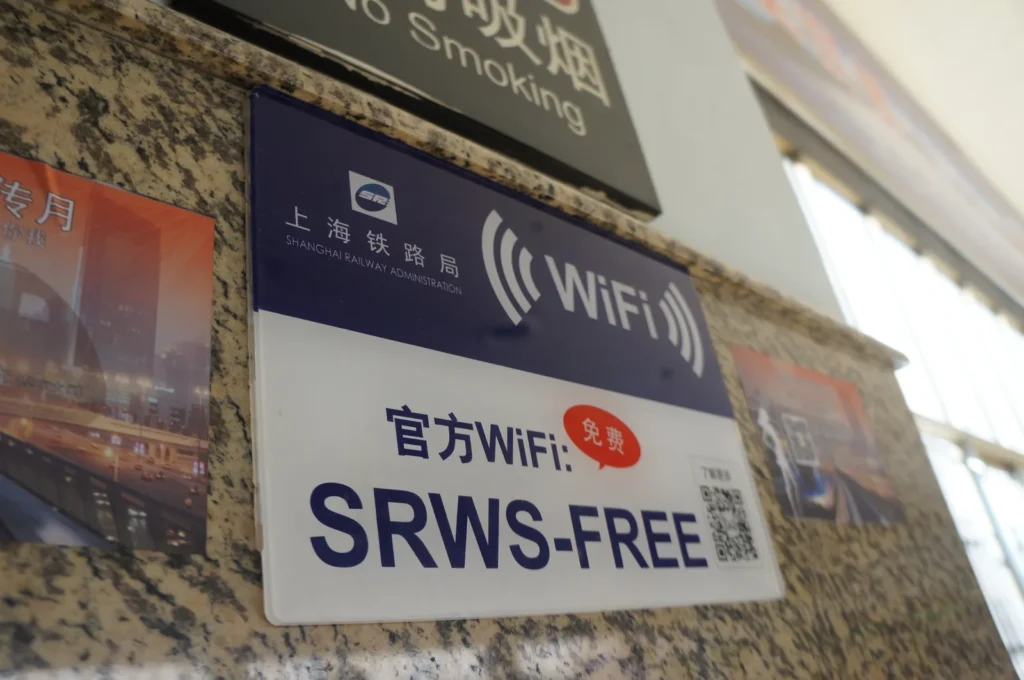
Photo: MNXANL / Wikimedia Commons / CC BY-SA 4.0

For tourists, getting internet in China is easier when you choose the connection before you fly. For many short trips, that means a travel eSIM or international roaming from your existing carrier, with Wi-Fi as a spare rather than the only connection. A mainland Chinese SIM is the better fit when you need a local phone number, or when the stay is long enough that a local data plan is the point of the purchase.
These are not four ways of buying the same internet. A travel eSIM is a way to install a mobile plan. It does not decide where your data goes after the phone joins a Chinese network. Some travel eSIMs, and some home-carrier roaming plans, use international roaming that sends data out through a network outside mainland China. On those plans, a service that fails on an ordinary mainland connection may still open. Other plans may route traffic differently, so the same services may not be accessible. Read the current description of the specific product before you pay, especially if you are buying it so that a particular app will work.
The difference shows up in the first hour. One visitor turns on a plan that was installed at home and can open a map, a message, and the hotel booking before the bags are on the belt. Another is searching a booking for a Wi-Fi name, or expecting to buy a local SIM the moment they land. The second situation is avoidable.
A travel eSIM is often the simplest option
A travel eSIM is a mobile subscription delivered as a digital profile, usually through a QR code or an app, instead of a plastic card you swap in a tray. That is a format. The industry standard behind it covers how the profile is downloaded and switched on. It says nothing about which country your traffic leaves from.
Roaming data can be handled in more than one way. It can be sent back to the subscriber’s home network, and reach the wider internet from there. Or it can leave the internet from the network you are visiting. When a travel plan uses the first arrangement, and that home network is outside mainland China, Google, WhatsApp, and similar services may keep working. When it uses the second, the same services may not be accessible. Both are sold as eSIMs. The label does not tell you which one you have.
Providers do not all publish this in the same place, and a wholesale agreement can change. If an app you rely on is the reason for the purchase, ask that provider what the current China plan does, and keep the reply. A page that only says the plan works in China has told you about coverage.
The practical setup is short, and it belongs at home. The phone has to support eSIM. Many recent phones do. Plenty of older phones, and some models sold through a carrier, do not. The phone also has to accept a plan from a company other than the one that sold it. Both answers are on the phone maker’s site or your carrier’s, and both are tedious to discover after you land.
Install the profile on Wi-Fi, using the provider’s own steps. If the phone can hold two lines, leave the home SIM in place. After landing, set the travel line as the one used for mobile data, and turn roaming on for that line if the provider tells you to. Removing the home line so the new one will “fit” also removes the number your bank, your airline, and your family already use for text messages.
A travel eSIM is the wrong tool when the phone cannot take one, when you specifically need a mainland Chinese number, or when you cannot find out how that plan handles China traffic and the answer matters for the trip.
International roaming is the lowest-effort alternative
Roaming from your own carrier is a separate choice, even when a travel eSIM is also using a foreign subscription on a Chinese tower. You keep the number you already have. Codes from a bank, a schedule change, and messages from home still arrive there. Often there is nothing to install. On a short trip, that can be worth more than a cheaper plan you configure the night before the flight.
It has the same routing question, and it is the carrier’s question to answer. Some roaming sends data back to the home network before it reaches the wider internet, which is why apps that fail on a local SIM sometimes keep working. Some roaming hands the data connection to the network you are visiting. The China page of your carrier should say what you would actually be buying: whether mainland China is included, the price, the data allowance, whether a hotspot is included, and what happens after you pass the cap. A pass described as regional does not always include mainland China on the terms you expect. Read the country list.
Fair-use limits and slower speeds after a threshold are common. A price that is reasonable for four days can be a poor way to spend three weeks online. Add a travel pass before you fly if you are going to use one, while the price is still in your own currency and you can still change your mind. Leave data roaming off until you have seen that price. A phone that connects by itself on the jetway can start a bill you did not choose.
Roaming is the realistic option when the phone is locked and cannot take another plan. It is a weak option when China is excluded, when the daily rate is the most expensive line on the trip, or when you need a mainland number for a local service. Coverage on a map of Asia is not a substitute for the line that names China.
When a local Chinese SIM makes more sense
A mainland SIM is for a trip that needs a mainland phone number, or a stay long enough that local data is the sensible way to stay online. A first week built around the apps you already use is rarely that trip.
Foreign visitors can apply with a passport, or with a Foreign Permanent Resident ID Card, at a telecom operator’s own business hall. Guidance issued with the Ministry of Industry and Information Technology names China Telecom, China Mobile, and China Unicom. It does not say that every phone shop can complete the registration.
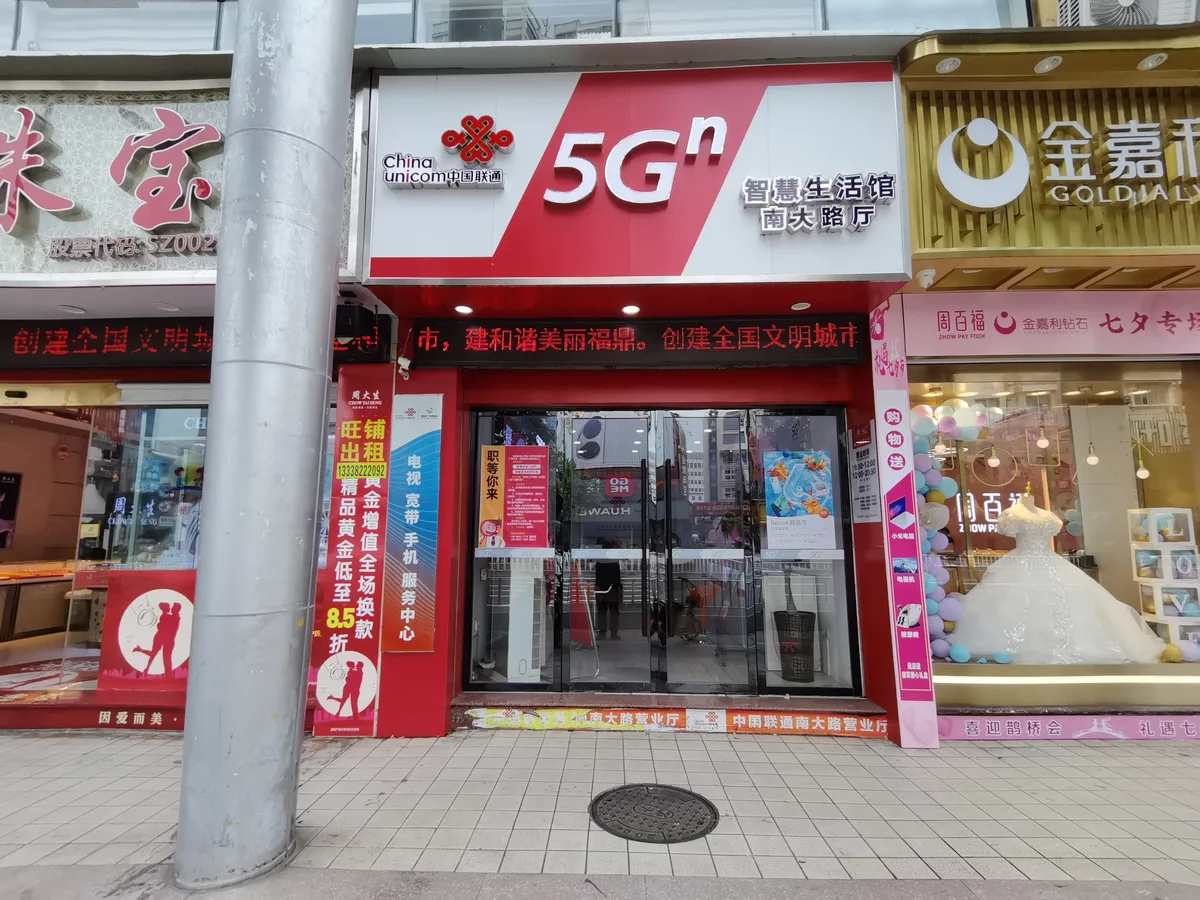

If you plan to use a local SIM, check that your phone is compatible with the operator’s network. Some current local guidance for foreign visitors specifically advises using a phone that supports 5G or VoLTE. Rates are whatever that operator has posted for the plan you pick, and they differ by city. To find a hall that handles this, use the operator’s app or call China Telecom on 10000, China Mobile on 10086, or China Unicom on 10010.
Some airports offer SIM-card services, but availability varies by airport. If you need a local SIM, do not assume you will be able to buy and register one immediately after landing.
A local SIM is a mainland service. A Chinese number can receive the texts and calls that local bookings expect. Data from that card uses mainland network infrastructure. If the reason you need to be online is Google services, WhatsApp, or Instagram, a local SIM is not a stand-in for an internationally routed roaming plan. You would be choosing a number and local data, and giving up the path those apps may need.
The errand is also heavier than a short trip usually wants: a hall, a queue, a passport, and a plan chosen on the spot. If you only needed data for ten days, this is the long way around.
Why Wi-Fi should not be your only plan
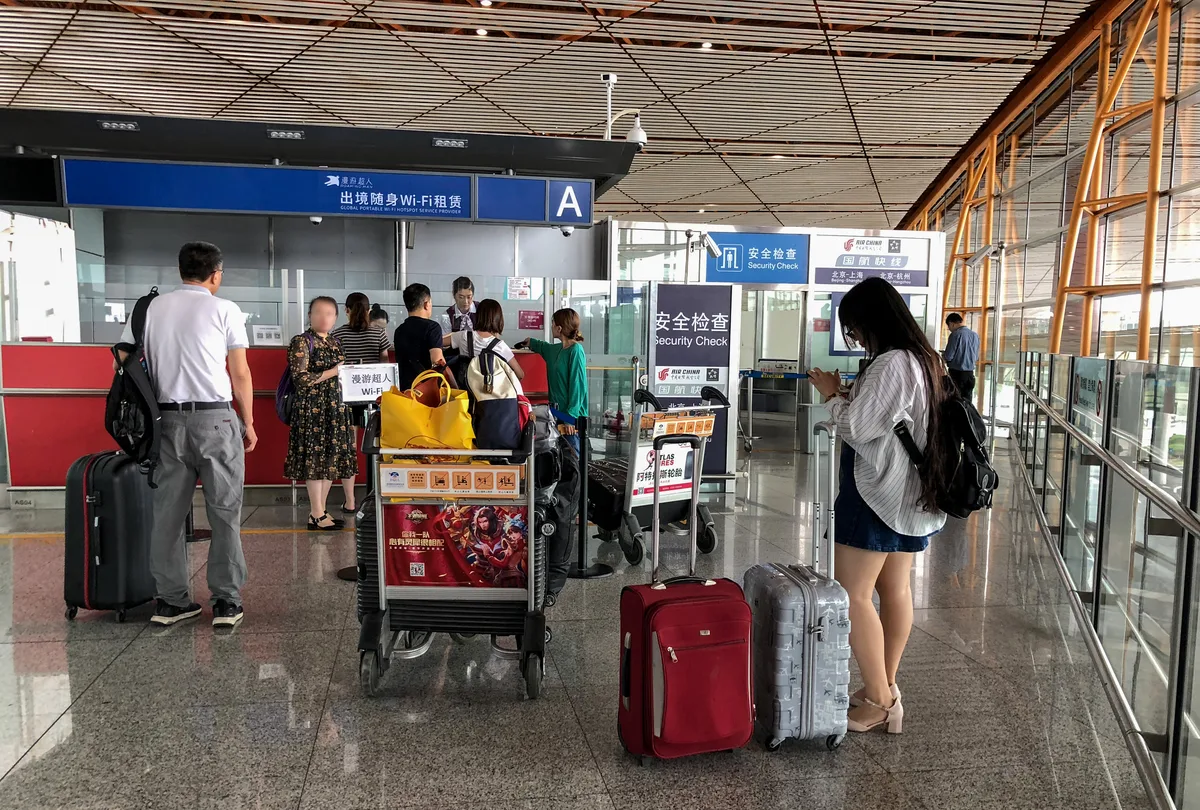
Hotel, airport, and café Wi-Fi are useful once you are in the building that offers them. They are a poor sole plan, because most of the day is not spent in that building.
.jpg)
The gaps are ordinary. Arrivals Wi-Fi asks for a login you cannot finish. You leave the hotel and the map was only open on the room network. A public network sends a code to a mobile number, and the number that can receive it is one you do not have. None of this requires a special failure. It only requires moving.
Ordinary mainland Wi-Fi is also a mainland internet connection. A strong signal at the hotel does not mean the same sites will open as they do on a roaming plan whose data leaves through a network outside mainland China. If an app failed on a local SIM, it can fail on the hotel network for the same reason.
Use Wi-Fi when it is there. Before you fly, save the hotel name and street address in Chinese, and anything the map app will store offline, so a missing password delays you instead of stranding you. Keep a mobile connection for the stretches between networks.
Will Google, WhatsApp and Instagram work?
On an ordinary mainland connection, expect them not to.
UK travel advice names Google, Facebook, YouTube, and X as permanently blocked, and says other websites may be blocked as well, including around sensitive dates. Australian travel advice says China limits many foreign websites and social media services, and that you may be unable to use popular phone apps or to place calls and send messages with internet-based services. Independent measurements still find WhatsApp and Instagram largely unavailable on mainland networks. A local SIM and ordinary hotel Wi-Fi are that kind of connection.
A home-carrier roaming plan or a travel eSIM can behave differently, when that specific product sends data out through a network outside mainland China. The same handset may not give the same result on every line. After you land, try one app you actually need on the line you have chosen for data. A signal bar only means a tower answered.
There is no fixed menu of overseas services worth memorizing, and access can tighten around particular dates. If a service matters to the trip, test it on the connection you will use.
Some people look at a VPN when a mainland connection will not open something they need. A VPN is not one of the ways to get a phone online, and it is not a product this page will recommend or explain how to install. Rules around services used to bypass mainland internet restrictions are complex and can change. Whether any given product works also changes. If this matters to your trip, check current official guidance and your government’s travel advice before you travel.
Do you need a Chinese phone number?
Many short trips do not.
A mainland number earns its place when a local service asks for one and will not take the number you brought. That shows up in some reservations, some ticket and delivery logins, some building entrances, and longer stays that run on local apps. It is also the usual reason to buy a local SIM. A travel eSIM from outside China does not give you a Chinese mobile number.
It is not a condition of being a tourist. The official guide for foreign visitors says payment apps can be registered with a foreign or a domestic mobile number. For many people that means an overseas number which can still receive a text, which is part of paying in China. A map, a translation app, and the ride from the airport do not each require a new Chinese number before they are useful. Where a form insists on a mainland number and you do not have one, that particular service may be closed to you. That is a limit to know about. It is not a reason for every visitor to spend the first afternoon in a phone shop.
If someone at home needs to reach you, roaming on your existing number still does that. A Chinese number is an extra line for Chinese services, not a replacement for the number your bank already has.
Set up your phone before you fly
Do this while your own number and your own internet still work.
Start with the handset. For a travel eSIM, confirm that the model supports one and is allowed to install a plan from another provider. A phone locked to your carrier pushes you toward that carrier’s roaming, unless you have another unlocked phone. For a local SIM, check that the phone is compatible with the operator’s network. Some local guidance for foreign visitors advises a phone that supports 5G or VoLTE.
Decide which line will carry mobile data, and leave the home number able to receive texts if banks, airlines, or payment apps send codes to it. A second plan does not have to mean deleting the first.
Prepare the plan before the flight, following the provider’s activation instructions. For roaming, read the China price and the allowance, and add a pass if you intend to use one. For an eSIM, install it on Wi-Fi if the provider recommends doing so before departure, and save the setup instructions offline. The provider’s website is sometimes the page you cannot load later.
Download the apps for the ride, the map, translation, and payment, and sign in at home. Save the hotel name and street address in Chinese somewhere the phone can open with no signal. Airport and hotel Wi-Fi can help after you arrive. They should not be the connection you are counting on when the cabin door opens.
A working phone is one part of arriving in a condition to travel. Entry, payment, the few apps you will actually open, and the ride from the airport are the rest of that preparation, in what to know before a first trip to China.